
Share your wishlist.
Keep the surprise.
Friends reserve gifts in one tap — you only see that something's taken, never who or what. No duplicate presents, no ruined surprises.
Free to start · No signup for guests · Reserve in one tap
Reserved
Hidden from you
Everything for stress‑free giftingno spoilers
- Paste a store link — the name, photo and price fill in by themselves. Reorder gifts with drag & drop, hide the ones you're not sure about. You can even start building without an account.
- Friends reserve gifts in one tap. You only see that something's taken — never who or what — so there are no duplicate presents and the surprise survives until the big day.
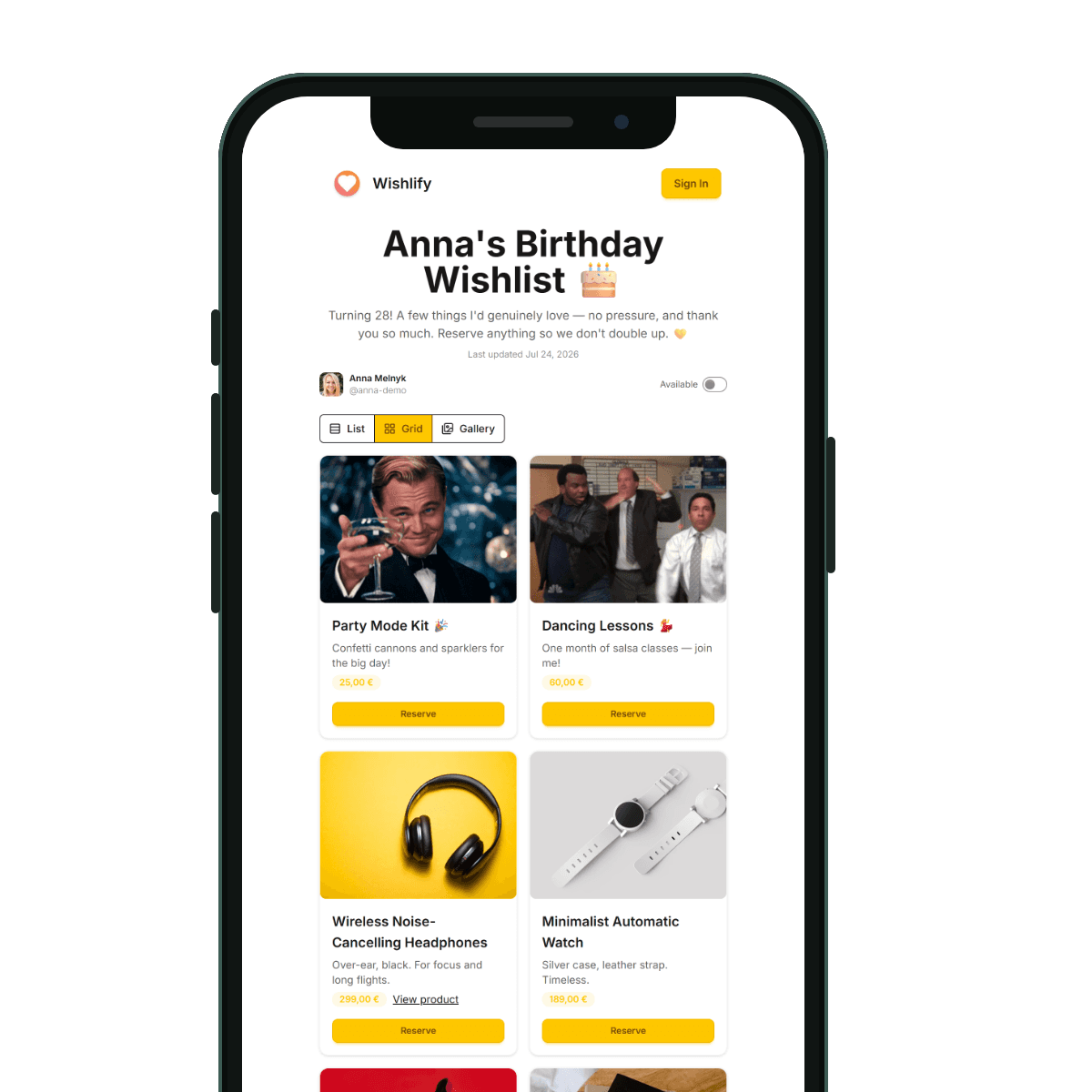
- Pick a theme to match the occasion, switch between List, Grid and Gallery views, and set the event date — guests see a live countdown to the big day. Premium unlocks exclusive themes and a custom wishlify.me address.
- One link is all it takes. Guests open, browse and reserve on any device — no registration, no app. Your list stays private until you choose to share it.
- Your wishlists, the gifts you've reserved for others, and recently viewed lists — all on one screen, a click away from editing.
Draw names. Gift from real wishlists.
Classic Secret Santa, minus the guesswork — everyone brings a wishlist, so your person gets something they actually want.
Start a game, share one link
Friends join in one tap and attach their wishlist. No emails, no spreadsheets.
Run the draw
Everyone secretly gets exactly one person — even the organizer can't peek at the pairs.
Shop without spoilers
Reserve straight from their wishlist, anonymously. Reveal who was whose Santa after the party.
Shhh… you are Santa for
Free · perfect for 4–15 friends · takes a minute to set up

Create the Wishlist of Your Dreams
Share your lists, get the perfect gifts – all with Wishlify!
FAQ
Frequently Asked Questions
- Wishlify is a simple tool to create, manage, and share wishlists. Whether it’s for a birthday, wedding, or personal goals – we make it easy to organize your wishes in one place.
You can browse public wishlists without logging in, but to create and save your own wishlist, you’ll need to sign in.
- Absolutely! You can share your wishlist via a unique link. On mobile, use the share button to quickly send it via apps like Messenger, WhatsApp, or Email.
- No – only the wishlist owner can add or edit items. However, friends can reserve items (if enabled), so others know what’s already taken.
- Create a group, share one invite link, and friends join with their wishlists. Run the draw and each participant secretly gets one person to gift — you shop from their wishlist and reserve anonymously, so the surprise stays intact until the reveal. It’s free and works best for groups of 4–15.
- Yes! Wishlify is free to use. We may introduce premium features in the future, but basic wishlist creation and sharing will always be free.
- You can contact our support via email at support@wishlify.me – we’re happy to help!